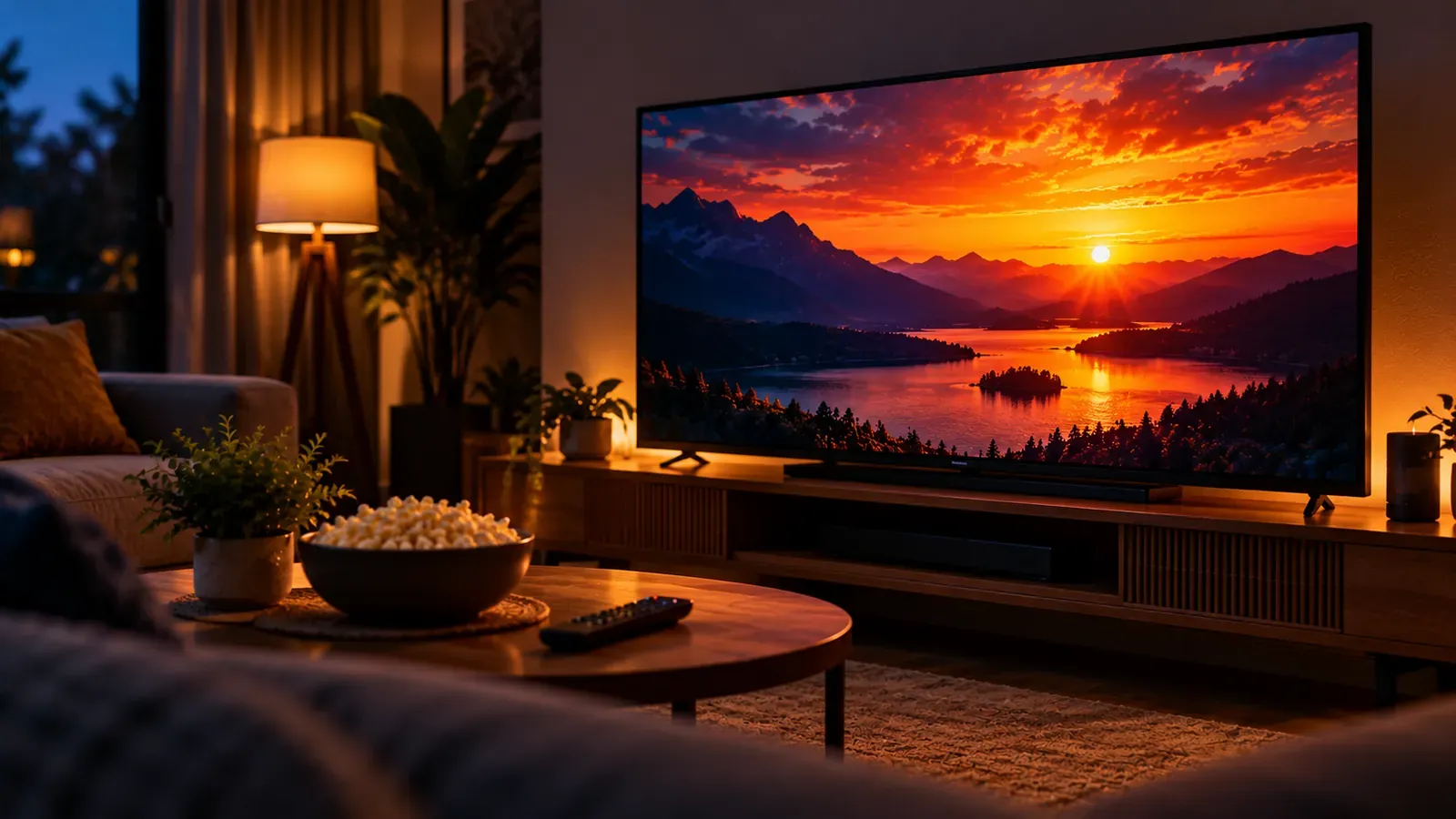
HDR (high dynamic range) lets video show brighter highlights, deeper shadows and richer color than standard video, but only when the content, the player and the TV all support the same HDR format. For live TV, the format to know is HLG, which was designed for broadcasting.
The main HDR formats
- HDR10: an open standard and the most common format; supported by all HDR TVs. Uses static metadata, so one setting applies to the whole program.
- Dolby Vision: a proprietary format with dynamic metadata that can adjust scene by scene. Requires support in the TV and the playback device.
- HLG (Hybrid Log-Gamma): developed by the BBC and NHK for broadcast. It needs no metadata and degrades gracefully on standard TVs, which suits live channels.
What you need to see HDR
- An HDR-capable TV. HDR doesn't improve a display's own brightness or color limits; it only lets a capable display show more of them.
- A streaming device and player app that pass HDR through in the same format.
- Content that's actually produced in HDR. Most live channels are still standard dynamic range.
Common HDR problems
- Picture looks washed out or too dark: the device may be converting between HDR and SDR. Check that your streaming device's output matches what the TV supports, and that any “match dynamic range” option is on if available.
- HDR badge never appears: the content is SDR, or a cable or HDMI port in the chain doesn't support HDR.
- Menus look odd: some devices output HDR for everything; matching the output to the content usually looks better.
HDR is separate from resolution. A stream can be 4K without HDR, or HD with HDR. See 4K IPTV: what you need.