Explainers
4K IPTV: What You Need to Watch Live TV in Ultra HD
What you need to watch live TV in 4K: a 4K TV and streaming device, enough bandwidth, efficient codecs, and actual 4K channels. Plus a reality check on 8K.
Read article
Blog
Explainers, setup help and buying advice from the IPTV Hive team, written for viewers rather than engineers.
Explainers
What you need to watch live TV in 4K: a 4K TV and streaming device, enough bandwidth, efficient codecs, and actual 4K channels. Plus a reality check on 8K.
Read article
Explainers
Internet IPTV doesn't need a cable-style decoder box: the device running your player app decodes the video. What a decoder does and when a box still helps.
Read article

Explainers
What “HD” means for streaming: 720p vs. 1080p resolution, the internet speed HD needs, and why an HD stream can still look soft on a big TV.
Read article

Explainers
HDR expands brightness and color, but only with an HDR TV and HDR content. Learn how HDR10, Dolby Vision and HLG, the broadcast HDR format, differ.
Read article
Explainers
How streaming video gets from a server to your screen: encoding, short segments, playlists, content delivery networks and adaptive bitrate, explained simply.
Read article

Explainers
Pay-per-view content lets you pay once to watch a single live event. How streaming PPV works, how it differs from subscriptions, and tips for smooth viewing.
Read article

Explainers
A plain-English IPTV glossary: 40 common terms, from adaptive bitrate and EPG to M3U8, multicast, portal and Xtream Codes, with links to in-depth guides.
Read article
Explainers
IPTV, OTT and online TV all deliver video over internet technology, but in different ways. Here's what each term means and where an internet IPTV service fits.
Read article
Explainers
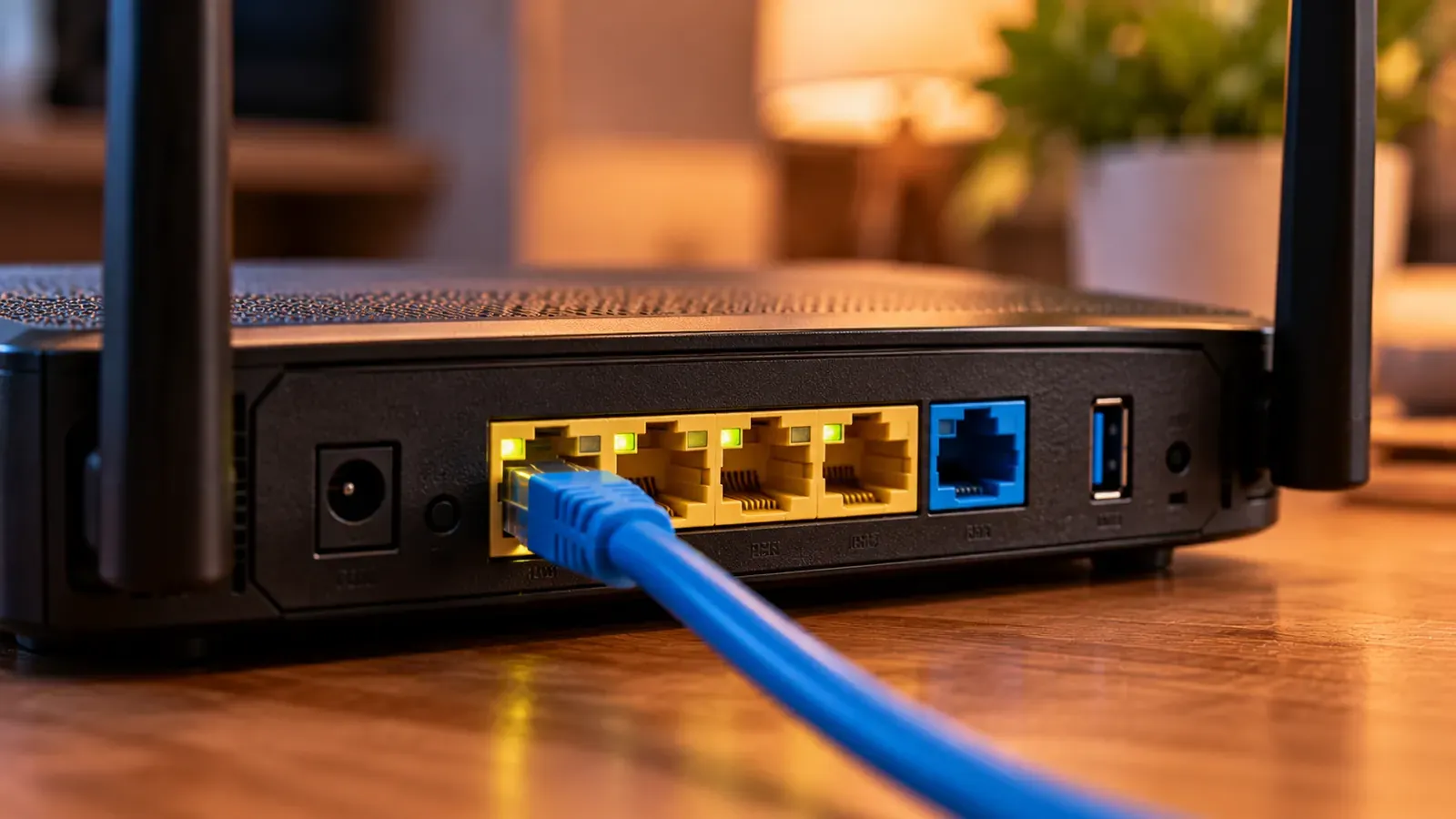
What the IPTV/VLAN settings on your router do, who needs them (ISP TV services), why internet IPTV services don't, and how a wrong setting breaks your connection.
Read article

Explainers
M3U playlists and Xtream Codes logins both load IPTV channels into a player app. Learn how each works, their pros and cons, and which to choose.
Read article
Explainers
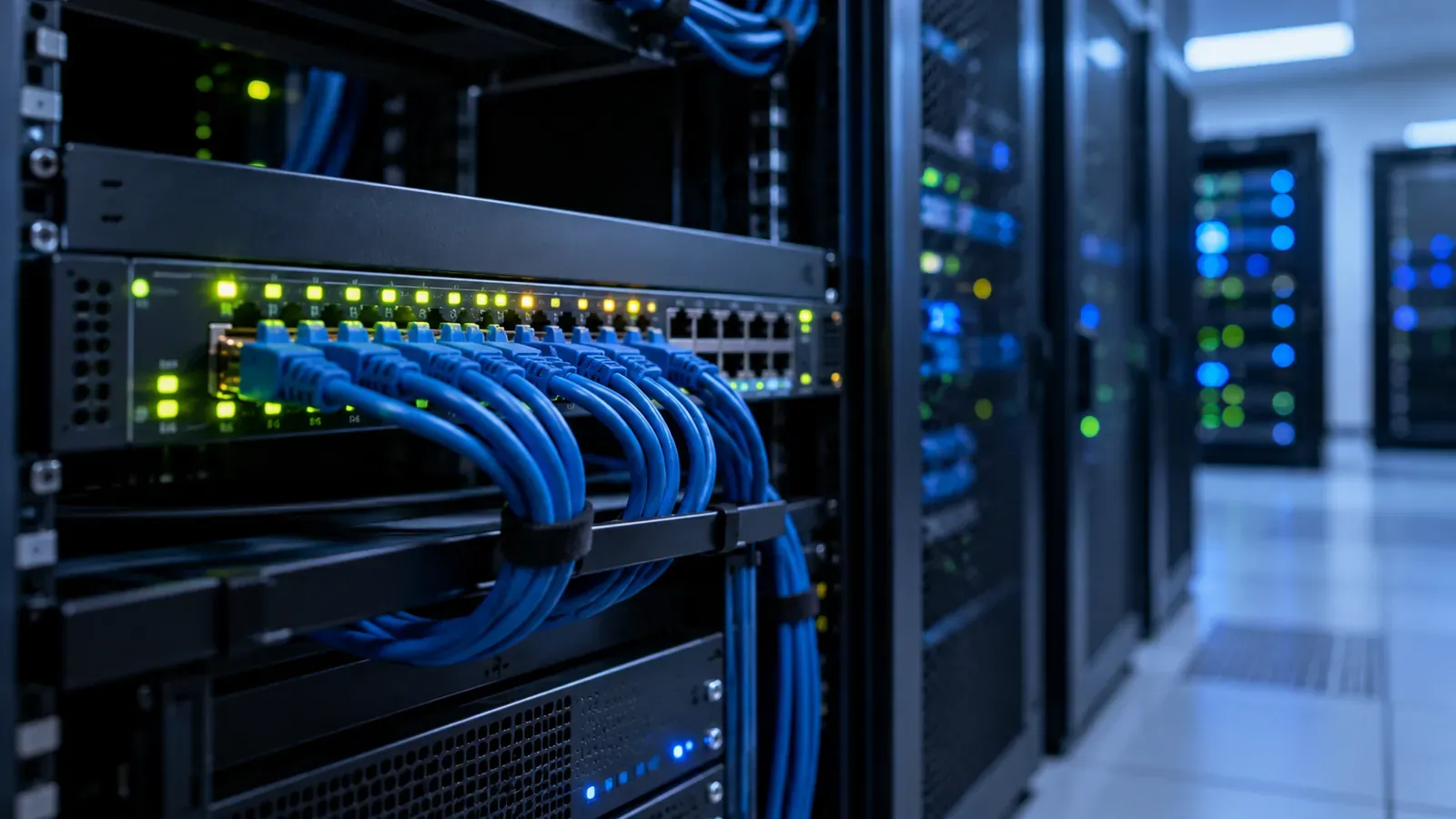
What udp:// TV stream addresses mean, how multicast IPTV works on managed networks, how to open a UDP stream in VLC, and why UDP links rarely work over the internet.
Read article

Explainers
FAST channels are free, ad-supported live streaming channels. Learn how FAST works, how it differs from subscription streaming, and where to find free channels.
Read article
Explainers
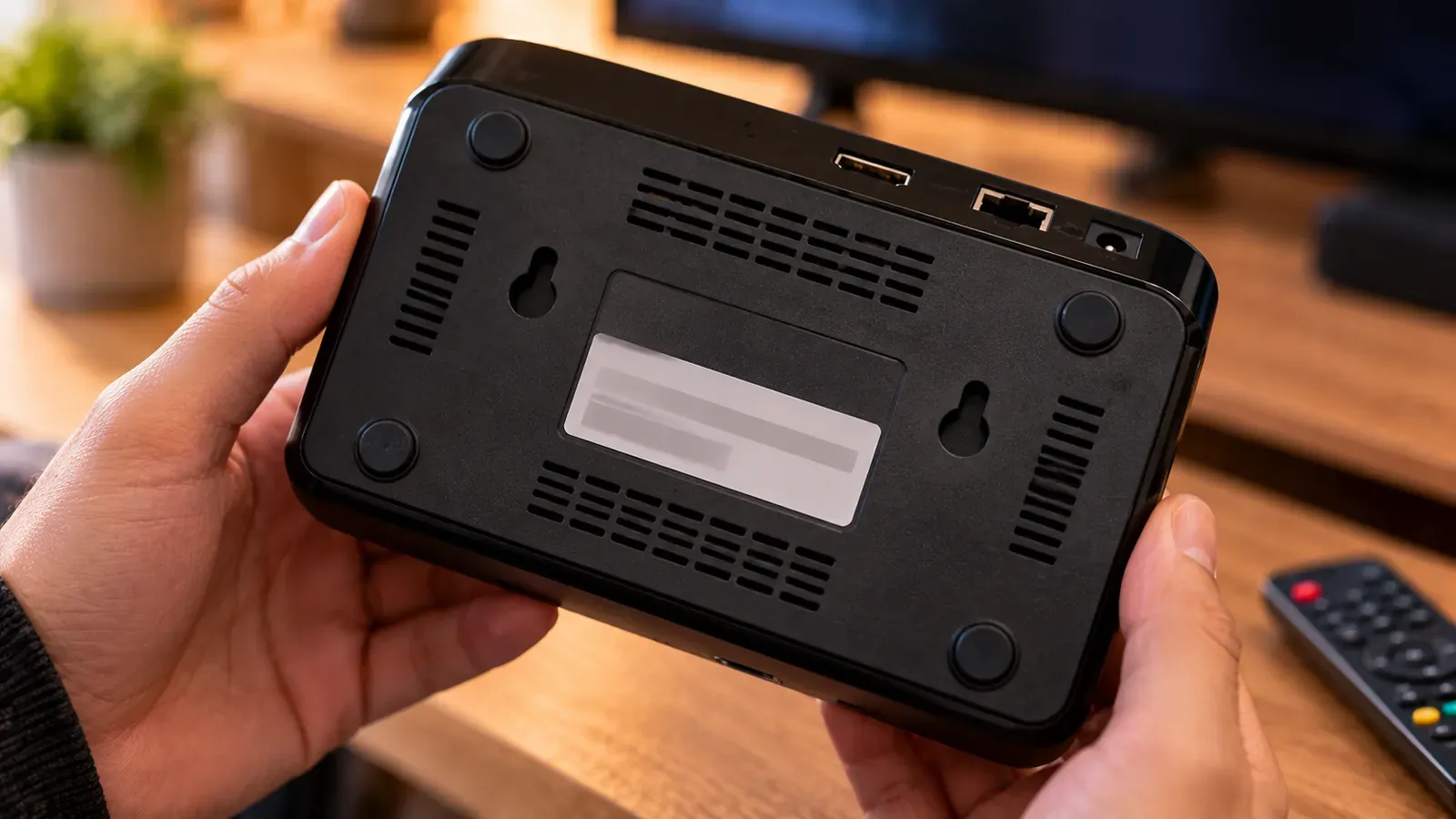
Why MAG boxes and some IPTV apps use your device's MAC address, how to find it, whether it's safe to share with your provider, and what to do if it changes.
Read article

Explainers
IPTV explained simply: how live TV is delivered over the internet, how it differs from cable, satellite and on-demand apps, and what you need to watch it.
Read article

Explainers
VOD means video on demand: shows and movies you start whenever you like. Learn what VOD stands for, the main VOD business models, and how it differs from live TV.
Read article
Buying advice
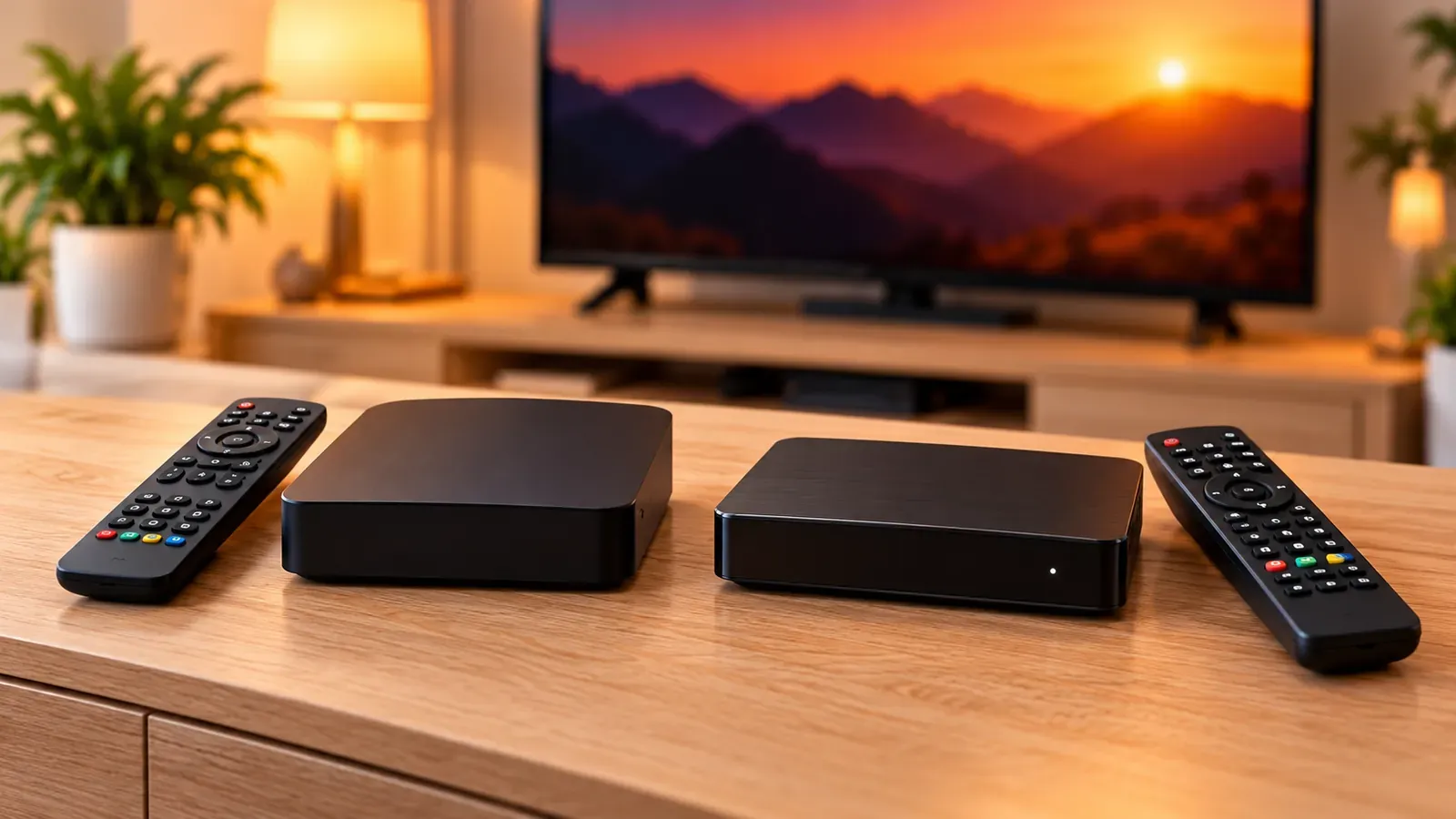
How Formuler's Android media receivers differ from Infomir's MAG set-top boxes: operating systems, how each connects to a service, and which suits you.
Read article
Buying advice
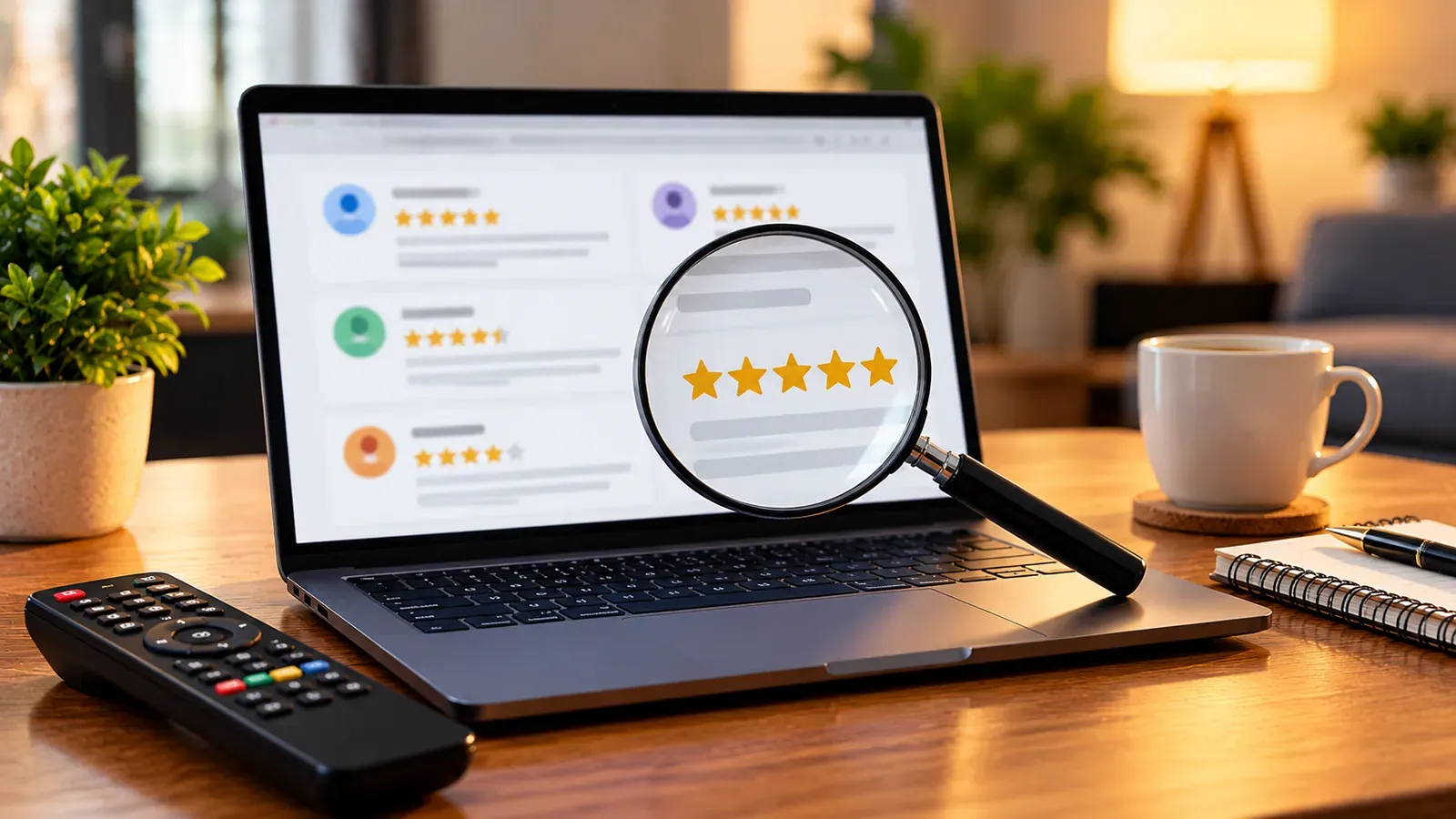
Many IPTV reviews are affiliate listicles or fake praise. The signs of an untrustworthy review, what useful reviews contain, and how to verify a service.
Read article

Buying advice
Practical signs that an IPTV provider is legitimate (or not), from company details and payment methods to pricing and regional availability, and why it matters.
Read article

Buying advice
Before starting an IPTV free trial, check the terms, auto-renewal and cancellation steps. A checklist based on FTC advice, plus what to test during it.
Read article

Buying advice
Where your IPTV username and password come from, how to enter them correctly, what to do if you've lost them, and how to keep your login and playlist URL private.
Read article

Buying advice
What to expect from IPTV customer service: clear contact routes, useful answers, billing help and outage updates, and how to test support before paying.
Read article
Device setup
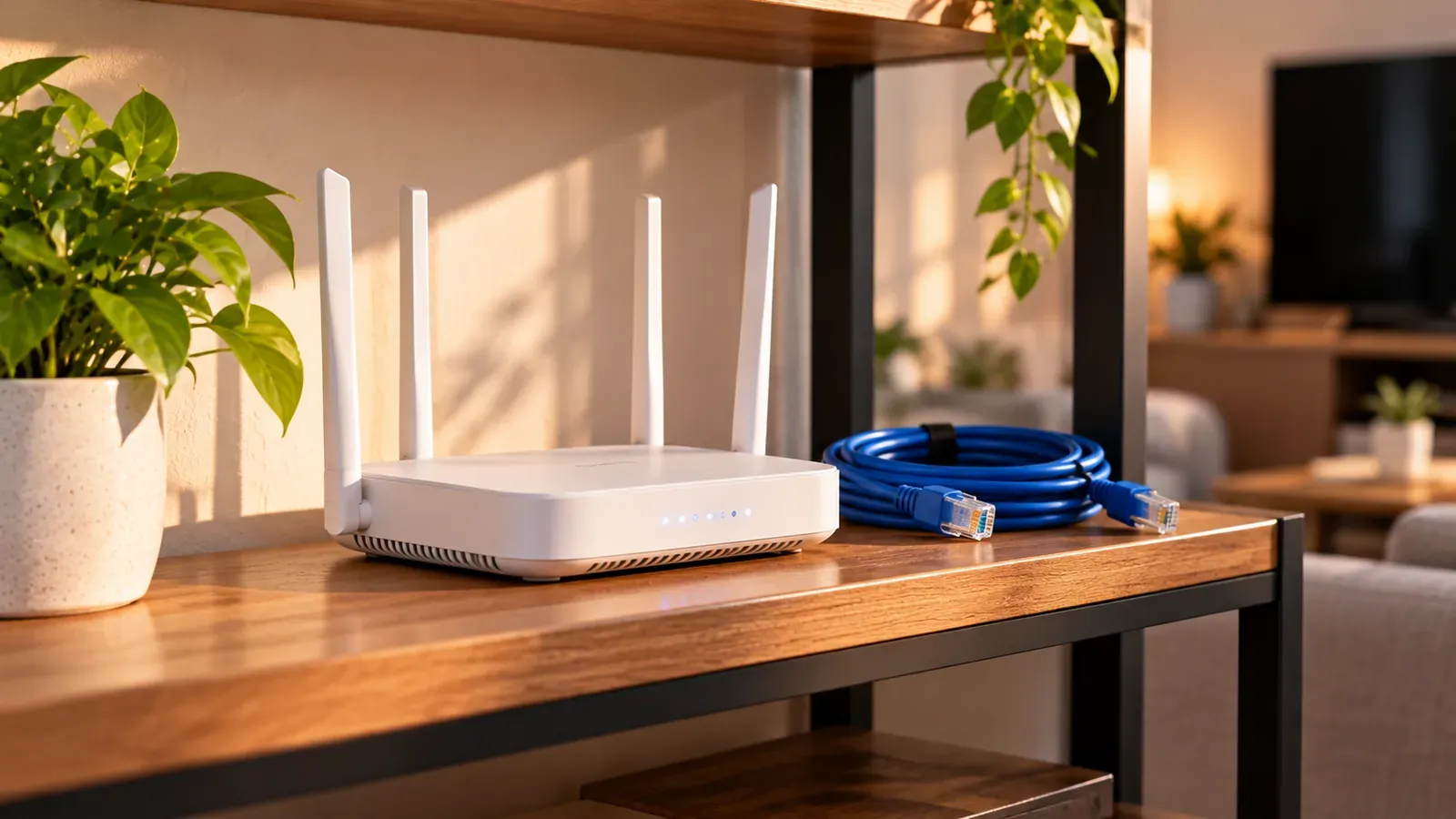
The home network gear that makes IPTV reliable: when to use Ethernet, choosing a router or mesh Wi-Fi, powerline and MoCA options, and settings to leave alone.
Read article

Device setup
New to IPTV? Here's what you need, how to choose a licensed service and a player app, how to enter your login, and what to do when something doesn't work.
Read article
Device setup
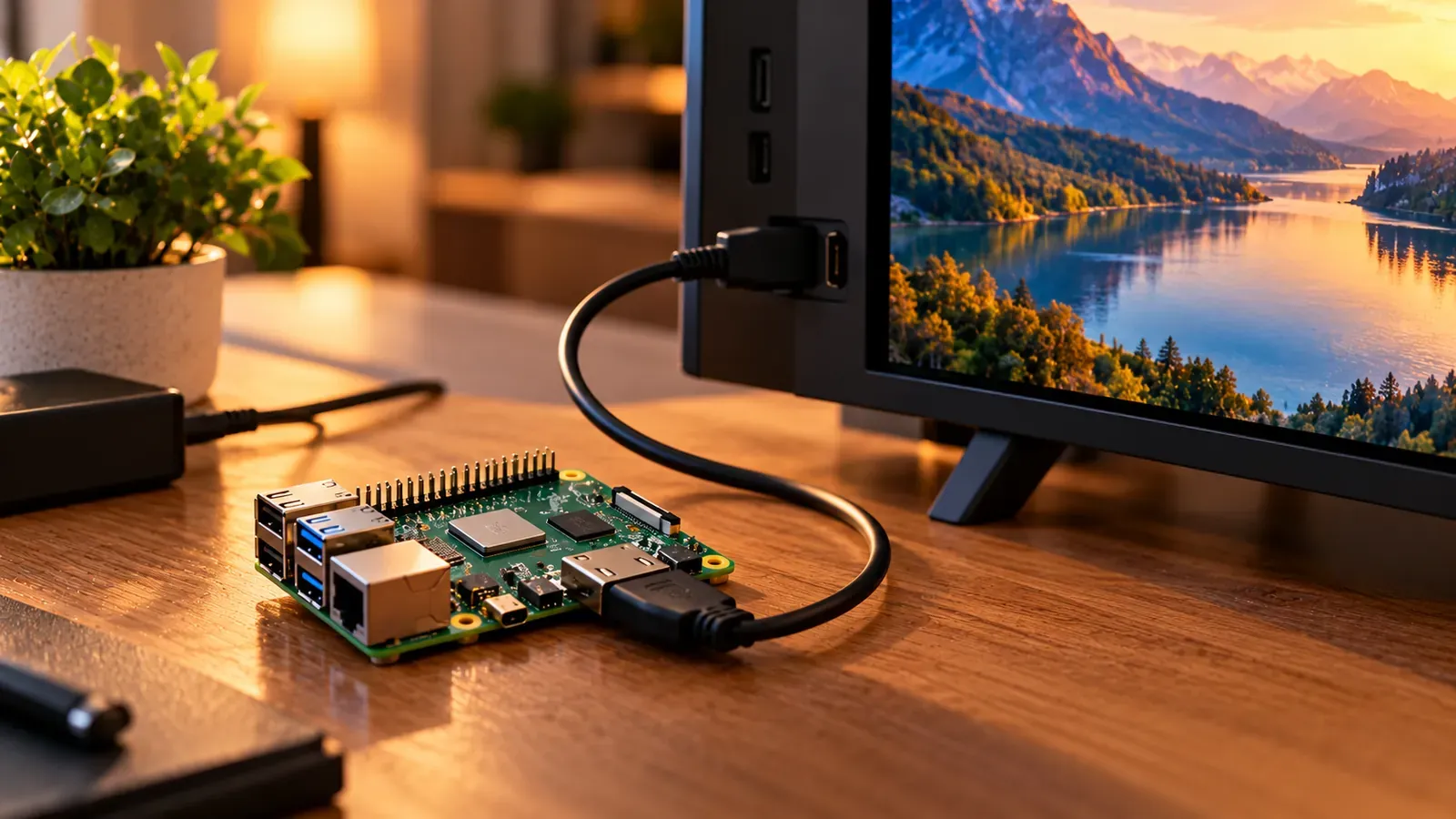
Turn a Raspberry Pi into an IPTV player with LibreELEC, a minimal operating system built to run Kodi. Supported Pi models, installation steps and Kodi IPTV setup.
Read article

Device setup
How to control IPTV apps comfortably: remote shortcuts, phone remote apps, keyboards for typing playlist URLs, and fixes when buttons don't respond.
Read article

Device setup
Whether a smart TV can run an IPTV player depends on its operating system. How to identify yours, what each allows, and when to add a streaming device.
Read article

Player apps
Why IPTV streams often won't play in a browser, how web players work around it, and the privacy risk of pasting your playlist into an online IPTV player.
Read article

Player apps
IPTV freeware that's genuinely free: VLC, Kodi, Hypnotix and IPTVnator compared by platform and features, plus how to spot “free” players with catches.
Read article
Player apps
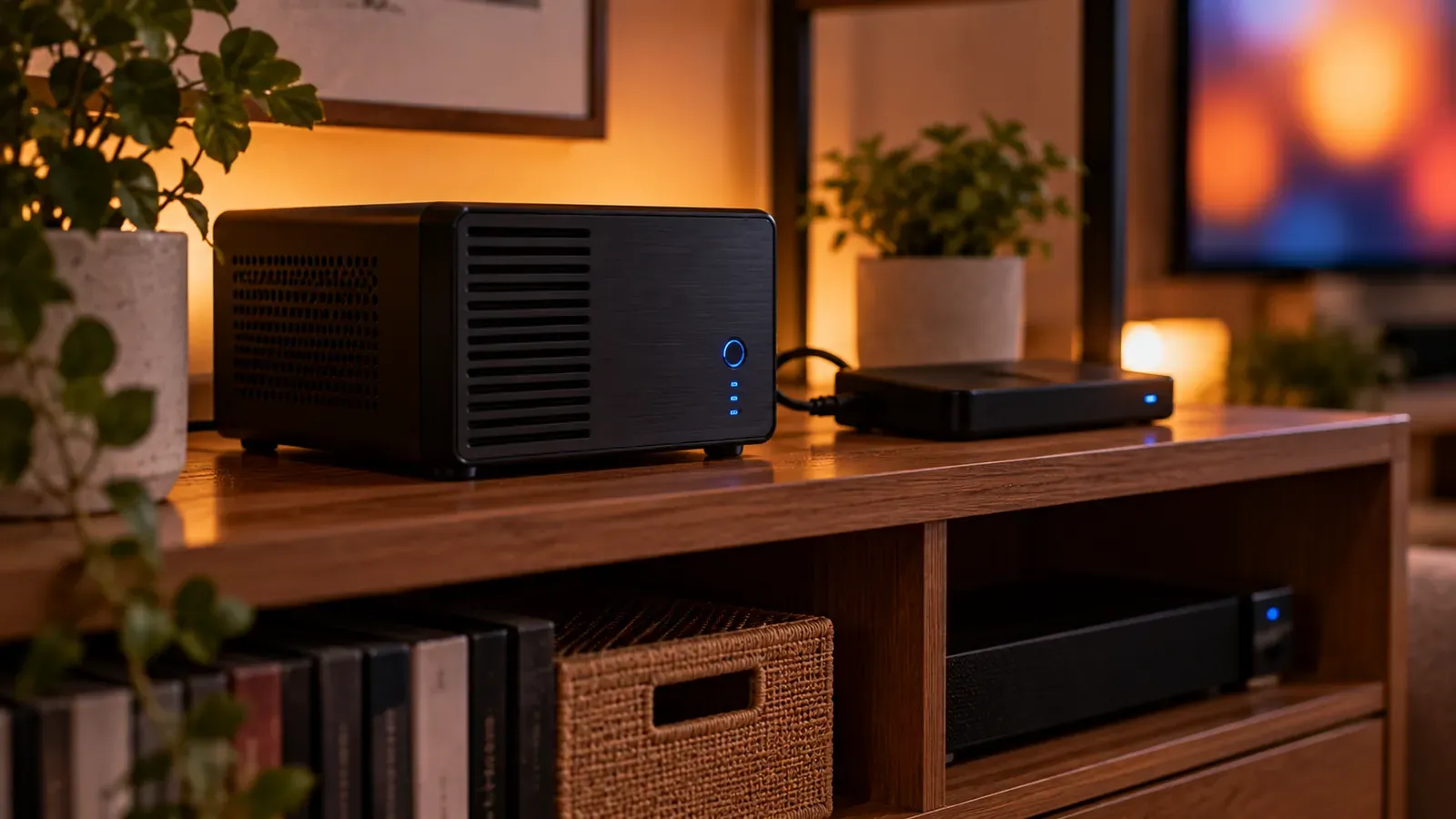
Channels DVR Server can add IPTV channels from an M3U playlist through its Custom Channels source, with XMLTV guide data. How it works and what to check.
Read article

Player apps
How parental controls work in IPTV player apps: setting a PIN, locking categories and channels, what to do if you forget the PIN, and device-level controls.
Read article

Player apps
How picture-in-picture and multiview work in IPTV apps, which devices handle them, and why several channels at once use several of your connections.
Read article

Player apps
How to turn on subtitles or closed captions and switch audio languages in IPTV apps, why options sometimes don't appear, and device-level accessibility settings.
Read article

Playlists & guide data
How to edit an M3U IPTV playlist by hand or with an editor: reorder and rename channels, remove ones you don't watch, and what you should never change.
Read article

Playlists & guide data
M3U and M3U8 are both playlist formats; M3U8 is UTF-8 encoded and is used by HLS streaming. Here's what each means for IPTV playlists and players.
Read article

Playlists & guide data
An IPTV playlist is a list of channel streams, usually in M3U format. Learn what's inside one, where a legitimate playlist comes from, and how to add it to a player.
Read article
Playlists & guide data
An IPTV portal URL connects a set-top box or app to a provider's middleware. How portals differ from M3U and Xtream logins, and why MAC addresses matter.
Read article
Playlists & guide data
An M3U file is a plain-text playlist that lists media files or stream addresses. Learn what's inside one, how to open it on Windows or Mac, and common problems.
Read article
Troubleshooting
“Failed to get data from server” means your IPTV app couldn't download your channels or guide. Check the network, server address, account and app data.
Read article
Troubleshooting
How to test an IPTV playlist yourself: confirm the URL loads, spot-check channels in VLC, and why automated IPTV checker tools can backfire.
Read article
Troubleshooting
When voices don't match lips on IPTV, the delay usually comes from your TV, soundbar or player settings. How to find the source and fix audio sync.
Read article
Troubleshooting
Why IPTV apps are slow to open, load channels or switch channels, with practical fixes for app cache, guide size, your network and device performance.
Read article
Troubleshooting
IPTV not working? Run these quick checks to tell a service outage from a problem with your device, app or network, and what to send support to get it fixed faster.
Read article
Troubleshooting
Why channel logos are missing or wrong in your IPTV app: how playlists point to logo images, caching problems, and the settings that fix them.
Read article

Troubleshooting
Blurry or pixelated streams usually mean your player has stepped down to a lower quality to keep playing. Here's how to find the cause and get a sharper picture.
Read article
Compare plan lengths, read the terms, and choose the one that fits how you watch.