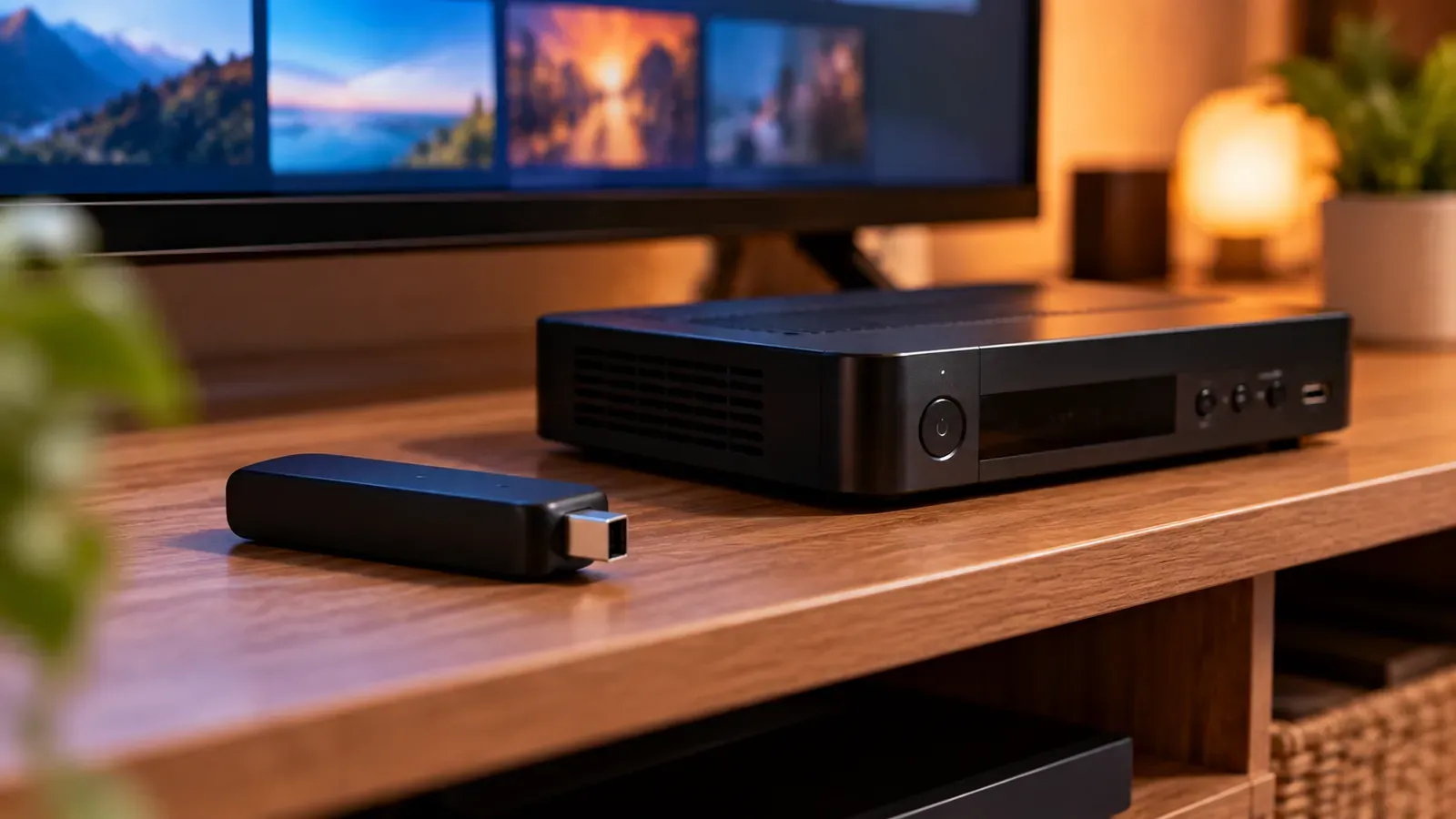
For internet-delivered IPTV, you don't need a dedicated decoder box. The “decoding” happens in software and hardware inside whatever device runs your player app, whether that's a smart TV, streaming stick, phone or computer. A separate box only helps when your TV can't run a good player app or can't decode the video format.
What a decoder actually does
Video is compressed with a codec such as H.264 or HEVC to make it small enough to transmit. A decoder reverses that compression so the picture can be displayed. On cable and satellite systems, the decoder lives in the provider's set-top box and also handles access control (the box decides which channels you're allowed to watch).
How IPTV is different
- Access is controlled by your login or playlist, not by a physical box.
- Decoding is handled by the device's video chip through the player app.
- You can switch devices without asking the provider for new hardware, within your plan's terms.
When a box still helps
- Your TV's app store is limited or has no suitable player. See watching IPTV on a smart TV.
- Your TV can't decode the codec a channel uses, such as HEVC for 4K. See 4K IPTV: what you need.
- Your provider uses portal-based boxes. See What is an IPTV portal URL?.
Avoid “unlocked decoder” offers
Boxes sold as decoders that “unlock” paid channels for free are selling unlicensed access. They break when the streams are shut down and can carry insecure software. See how to tell whether a service is licensed.