Devices
Devices and player apps
IPTV is usually watched through a player app, so a key question is whether your device can run one. The devices IPTV Hive supports haven't been confirmed yet.
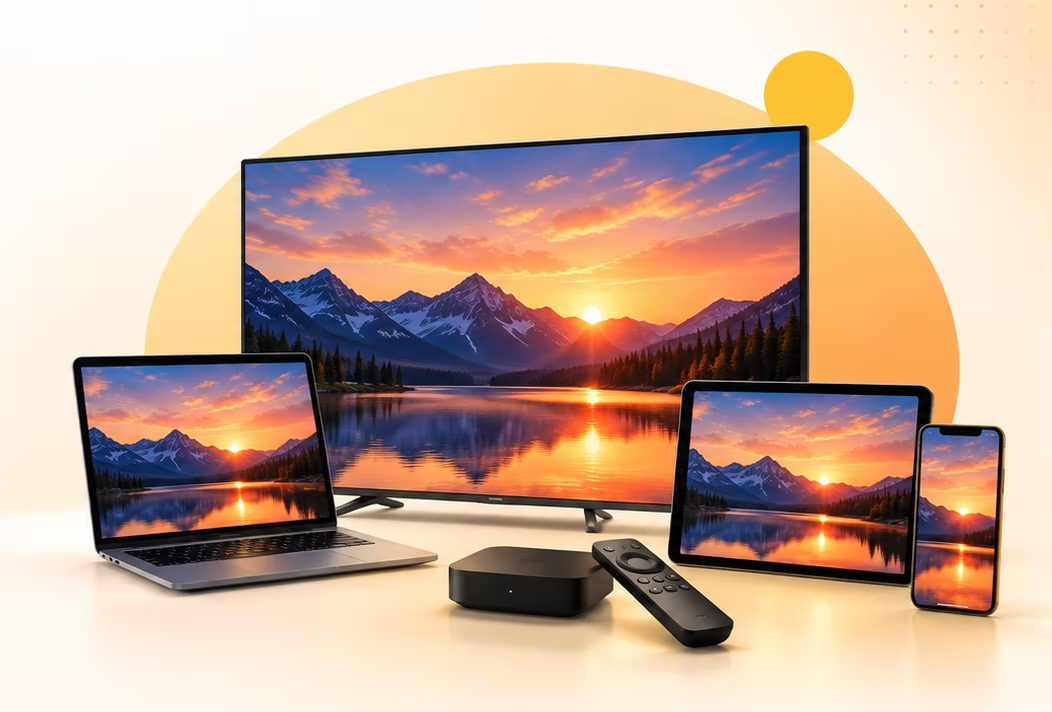
By device type
Device categories

Smart TVs
- Android TV / Google TV
- Samsung (Tizen)
- LG (webOS)
Look for an IPTV player app in your TV's built-in app store.
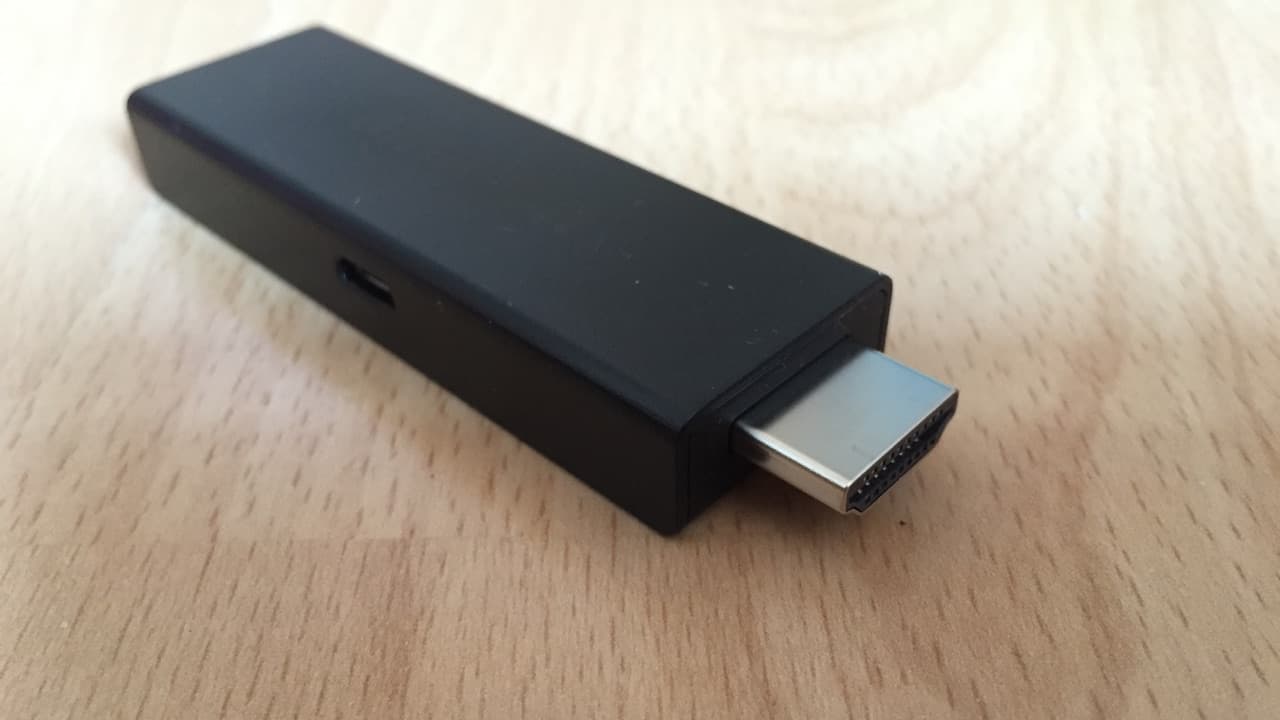
Streaming sticks & boxes
- Amazon Fire TV
- Android TV boxes
- Apple TV
Choose a player available in the device's official store. App availability differs by platform and region.

Phones
- Android
- iPhone (iOS)
Use a mobile IPTV player from Google Play or the App Store. Wi-Fi is recommended to save mobile data.
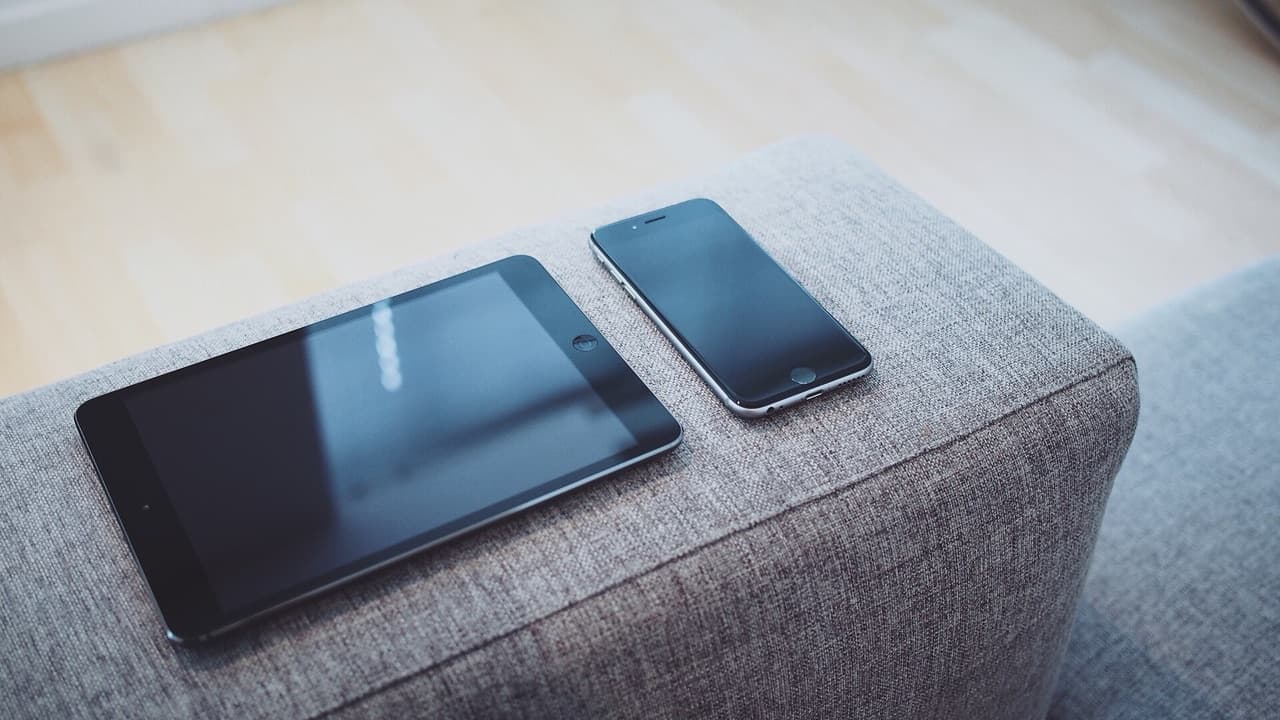
Tablets
- Android tablets
- iPad (iPadOS)
Mobile player apps run on tablets too, and the larger screen makes the program guide much easier to use.

Computers
- Windows
- macOS
- Linux
Desktop players such as VLC or Kodi can open M3U playlists. Kodi can also show guide data with the right add-on.
Other set-top boxes
- Devices that run a compatible IPTV player
Check whether your box can install IPTV player apps from a trusted app store before you buy anything.
Check before you buy
Next steps
Pick an app, then follow a guide
Compare player apps
See which apps run on your device and which login types they support.
How to choose a player
What matters most: guide support, remote-friendly design, cost and privacy.
Get a smooth picture
Network and player tips that reduce buffering on any device.
Ready when you are
Compare plan lengths, read the terms, and choose the one that fits how you watch.