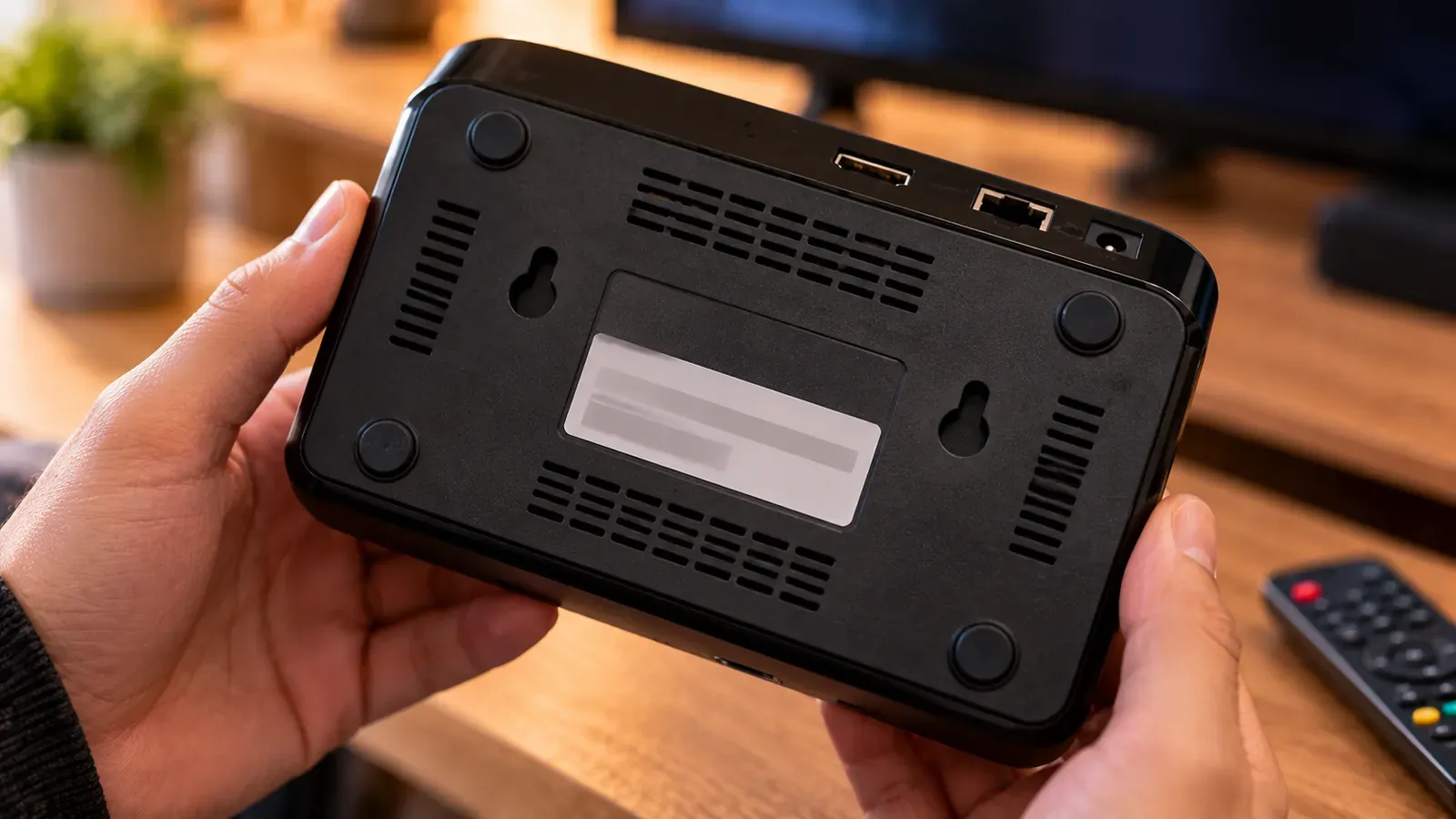
A MAC address is a hardware identifier for a device's network connection, written as six pairs of characters such as 00:1A:79:12:34:56. Some IPTV setups use it as a device ID: MAG boxes and portal-based services register it to your account, and some smart TV apps use it to link your TV to a playlist you upload online.
Where IPTV uses MAC addresses
- MAG and similar set-top boxes: the provider registers the box's MAC address; only that box can open your portal. See What is an IPTV portal URL?.
- Smart TV apps with web upload: some apps display an ID or MAC address so you can attach a playlist from your phone or computer.
- Emulator apps present a MAC-style ID so a portal can recognize them.
How to find it
- Set-top boxes: on the label under the box and in the system information menu.
- IPTV apps: usually on the app's start or settings screen. Use the one the app shows, which may differ from the TV's own.
- Smart TVs: in network settings, often under “About,” “Network status” or “Connection.” Wi-Fi and Ethernet have different MAC addresses.
Is it safe to share?
Sharing it with your own provider or an app's official upload page is normal. It identifies a device on your local network but doesn't reveal your location or let anyone into your network. Still, don't post it publicly: in MAC-based IPTV setups, someone with your MAC and portal details could try to impersonate your device.
If your device changes
Replacing a box or TV, or switching between Wi-Fi and Ethernet on some devices, changes the MAC address. Your provider or the app's upload page then needs the new one. Also check that “private” or random MAC features (common on phones) aren't interfering if an app expects a fixed address.
Choosing a box? Formuler vs. MAG explains how portal-based set-top boxes differ from Android media players.