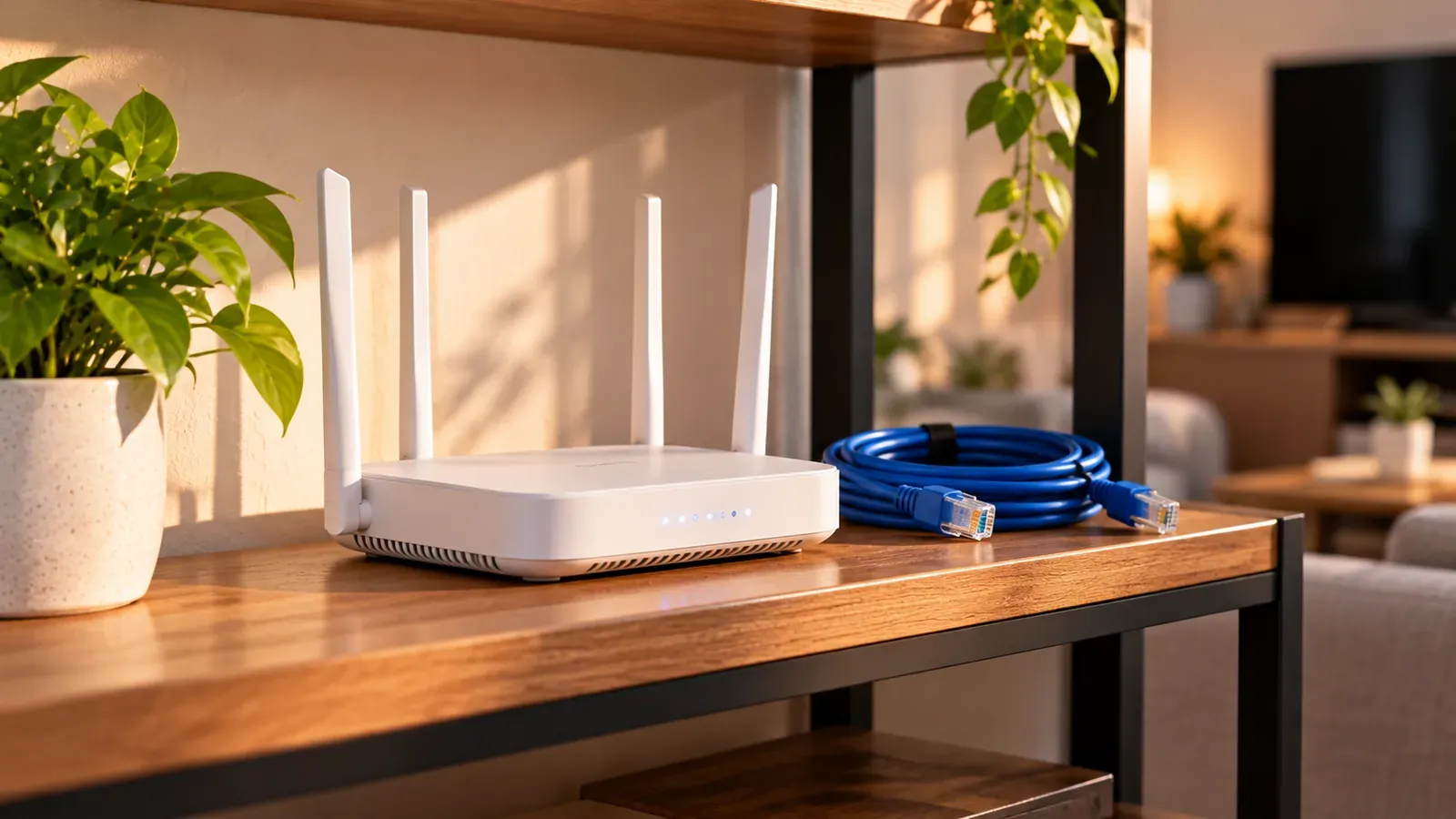
For reliable IPTV at home, the most important equipment is a solid path from your router to each TV: a wired Ethernet connection where possible, and strong Wi-Fi everywhere else. You don't need specialized “IPTV equipment” for an internet streaming service; a standard modern router works.
Ethernet first
A cable from the router (or a network switch) to your TV or streaming box removes Wi-Fi interference entirely. If your device has no Ethernet port, many streaming sticks offer an adapter.
When you can't run a cable
- Mesh Wi-Fi: several units placed around the home; good for large or multi-floor homes.
- MoCA adapters: carry network traffic over existing coaxial TV cable. Often very stable if your home has coax outlets.
- Powerline adapters: use electrical wiring; results vary with your home's circuits.
Choosing or placing a router
- Use a router that supports the 5 GHz band, and connect streaming devices to it.
- Place the router centrally and in the open, not in a cabinet or behind the TV.
- Keep its firmware updated.
- If your internet provider's combined modem-router struggles, adding your own router or mesh system can help. Ask your provider how to set it up correctly.
Settings to leave alone
Router options labeled “IPTV,” “VLAN” or “IGMP” are for TV services delivered by your internet provider over its own network. App-based streaming services don't need them, and a wrong VLAN value can take your whole connection offline.
How much speed do you need?
It depends on stream quality and how many screens are watching. See HD streaming explained and 4K IPTV for reference points.