The IPTV/VLAN settings on a router are for TV services delivered by your internet provider over its own network. They separate TV traffic from internet traffic using a VLAN tag your ISP specifies. If you watch IPTV through an app over the normal internet, you don't need these settings and should leave them off.
What a VLAN is
A VLAN (virtual LAN) is a way of running separate logical networks over the same cable. Some ISPs carry internet on one VLAN and their own TV service on another, and each packet is tagged with a VLAN ID so equipment knows which is which.
What the router's IPTV settings do
- Internet and IPTV VLAN IDs: values from your ISP that tag each type of traffic.
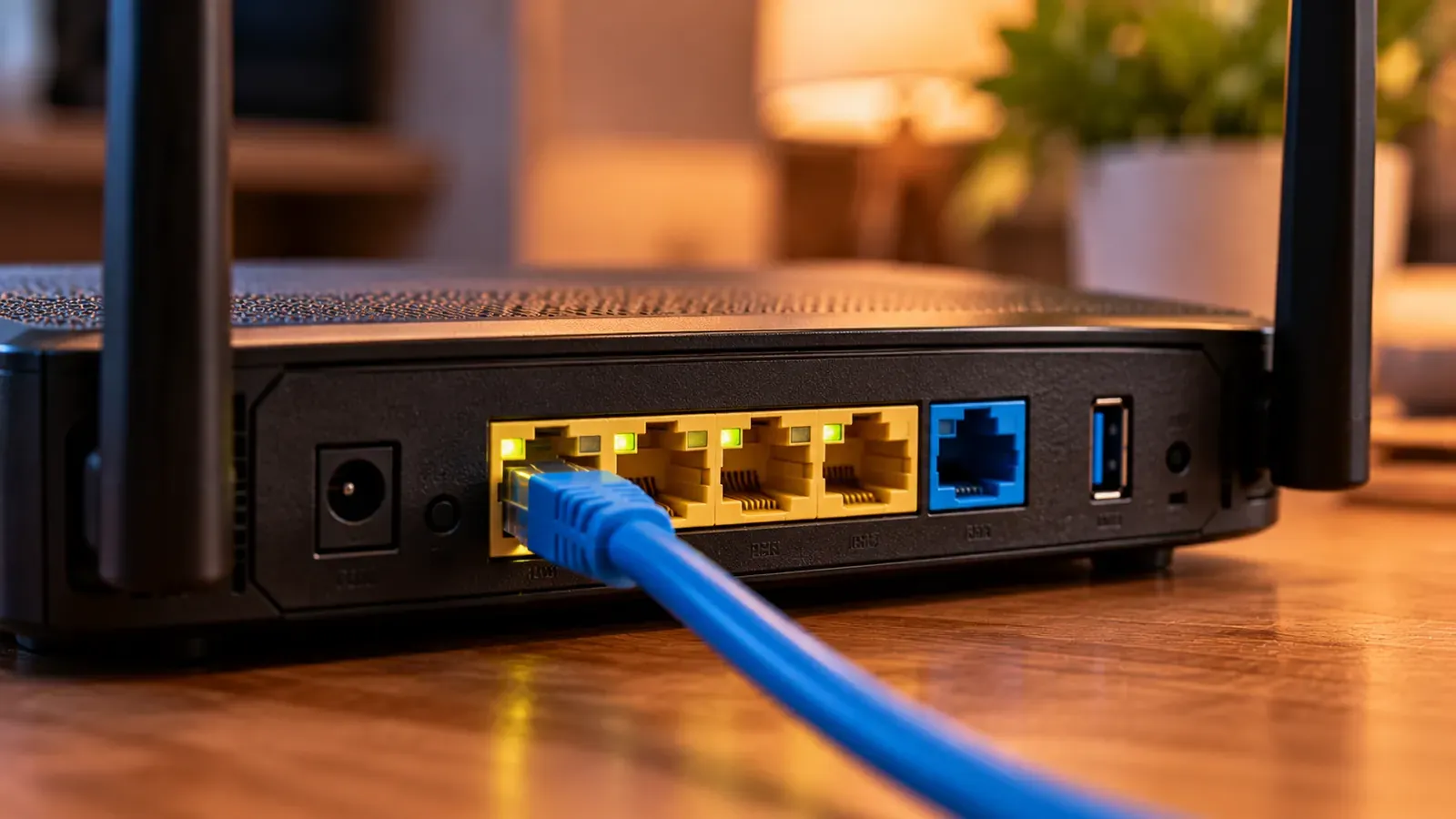
- Bridged port: dedicates a LAN port to the ISP's TV box so its traffic goes straight to the TV VLAN.
- IGMP proxy / IGMP snooping: manage multicast, which ISP TV services use to send one copy of a channel to many homes.
- Presets: some routers include profiles for specific ISPs that fill in these values.
Who needs them
Customers of ISPs that deliver TV through their own set-top box and require a VLAN, usually on fiber connections. Your ISP's setup instructions will say so and give the values.
Who doesn't
Anyone watching IPTV through an app over the open internet. Those services use ordinary internet traffic, the same as any streaming app. See IPTV vs. OTT for the difference.
Should I enable IGMP snooping anyway?
IGMP snooping only affects multicast traffic. It's harmless for app-based streaming, but it won't improve it either. For buffering, focus on Wi-Fi quality and wired connections; see fix IPTV buffering.